
I have been missing the children very dearly and have been wondering what you have all been up to. Therefore, I thought that we could create a book where we all share some pictures that show some of the work we have done during our time in quarantine.
How to log in to website. Click here to go to the Book Creator Website.
Next steps:
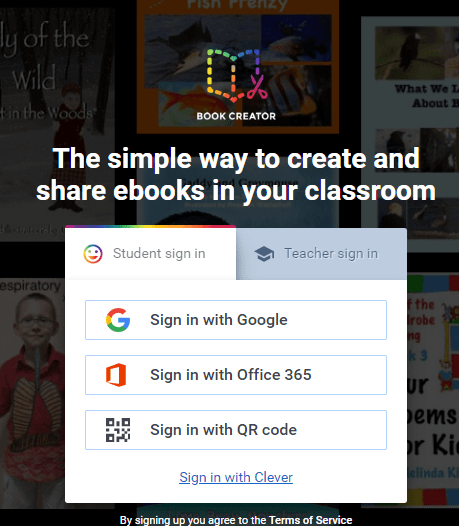
- Click sign in.
- Click on Student sign in.
- Sign in with a Google/Office 365 account.
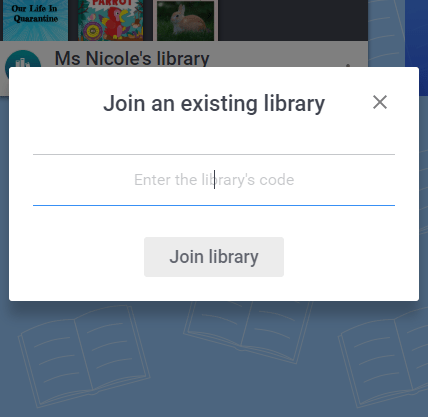
- Once you do so, a pop up will show up asking you for a code.
- Input this code: 6PXPYFR
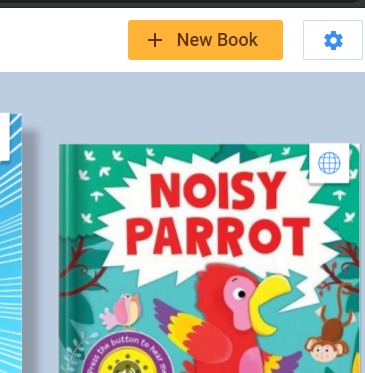
- Click on: + New Book to create your own page.
After doing so, you can input your pictures and even add a short sentence explaining what is happening. I am looking forward to seeing what you have come up with. After I have recieved all of your pages, I will combine them all into one book and post it on this blog.

 Ms. Nicole's Classroom